

PDFMiniFly
PKDVerified PublisherVerified Publisher
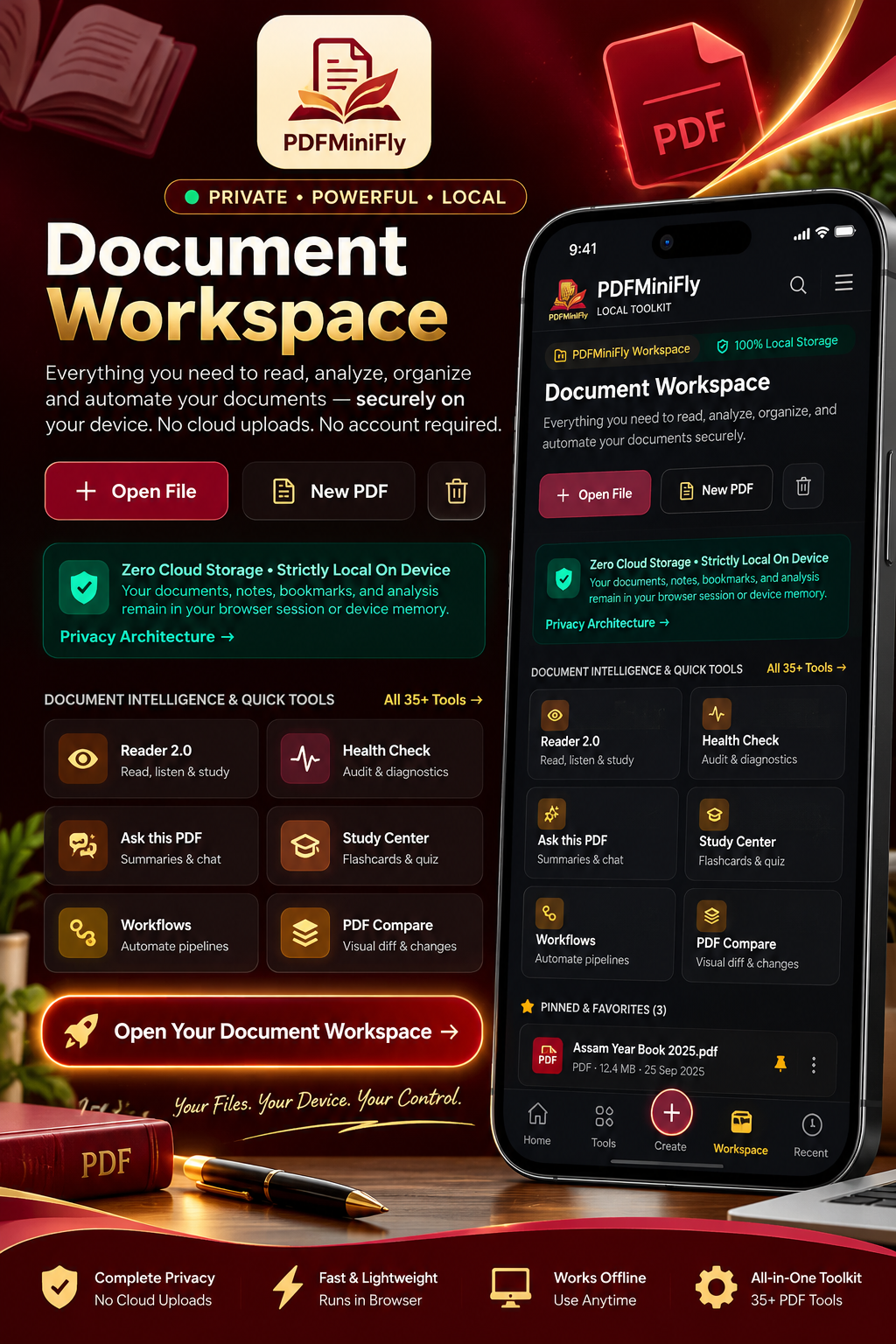
Private PDF Tools. Powerful. Fast. Local.
Screenshots & Preview
Tap image to view full screen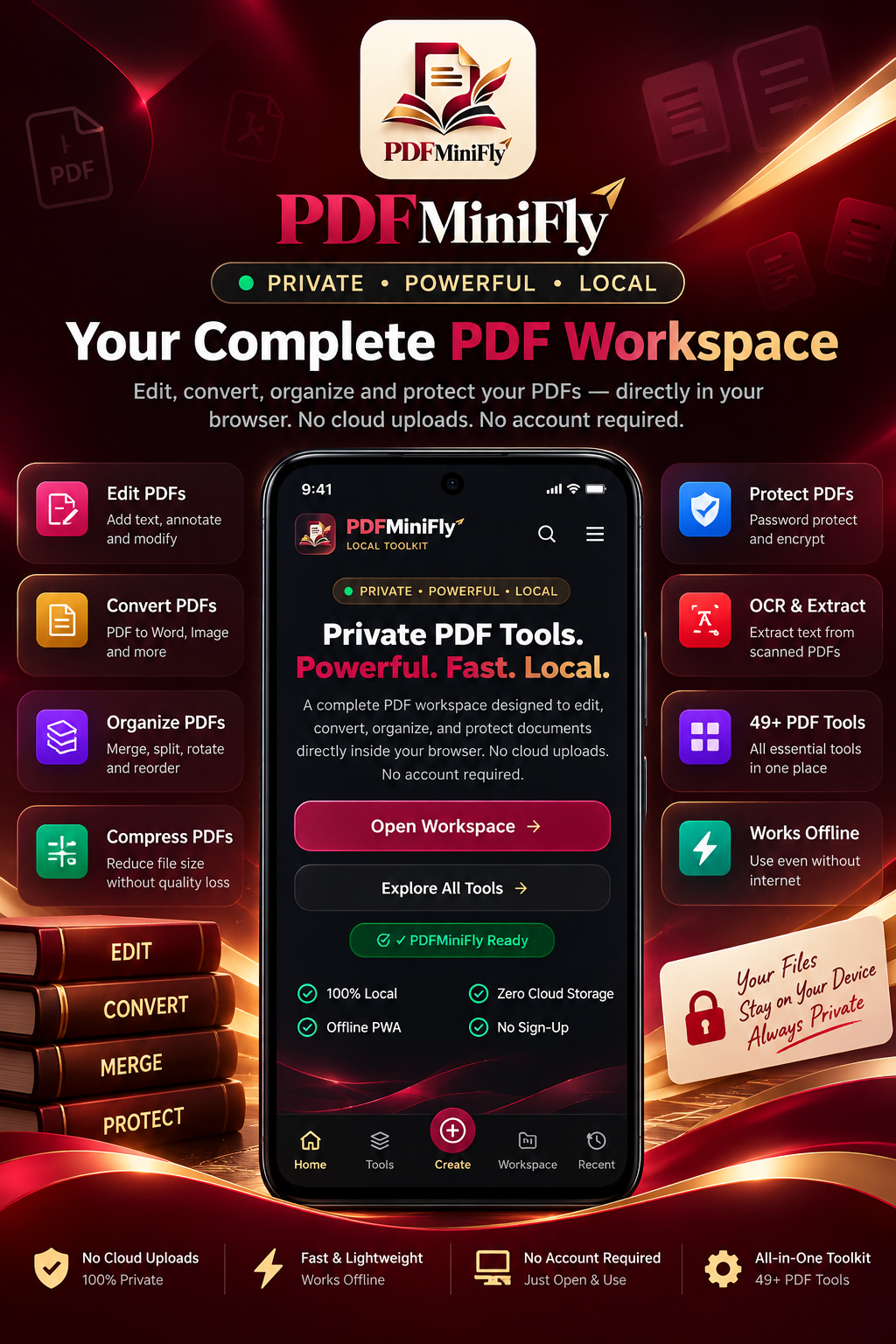


About this app
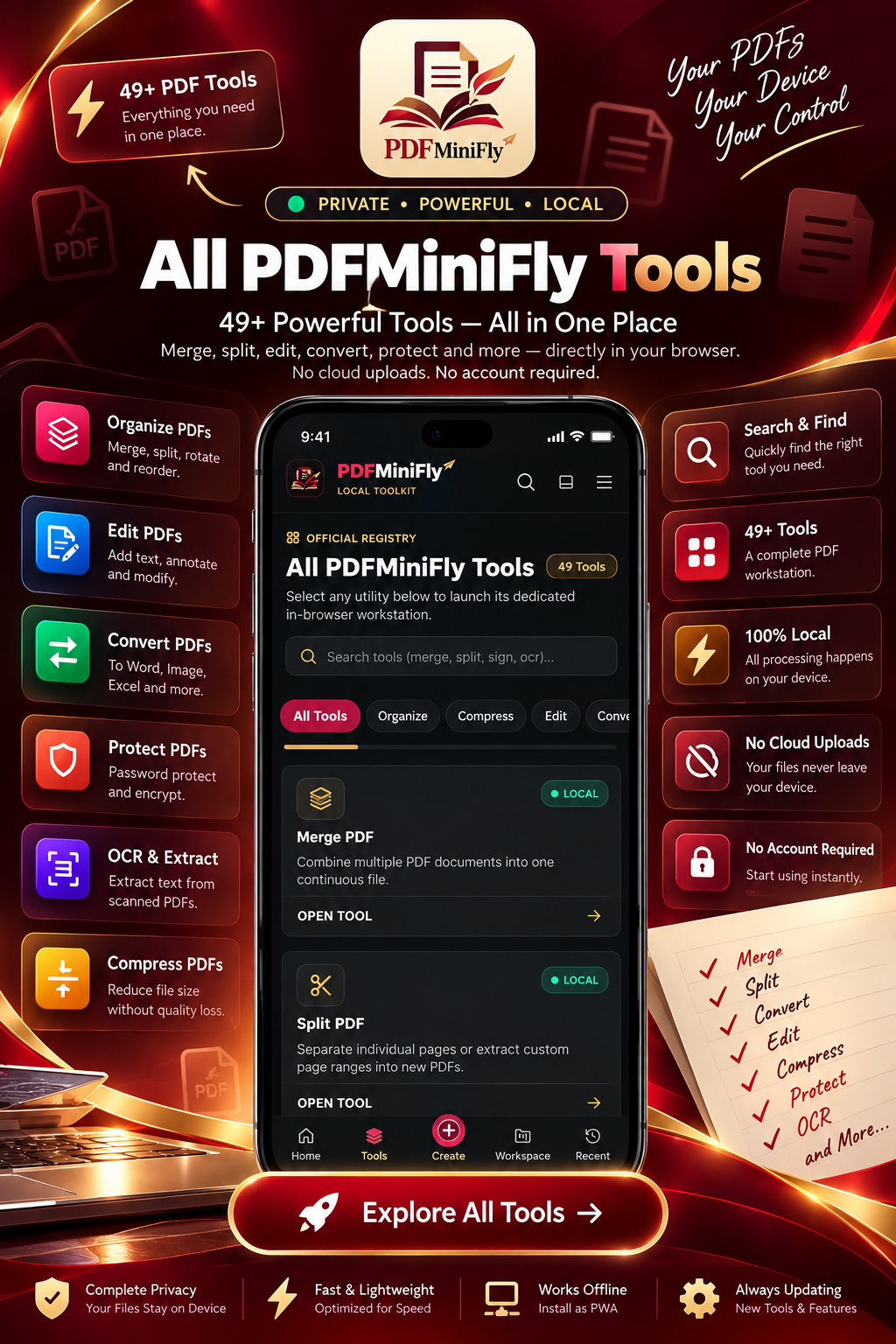
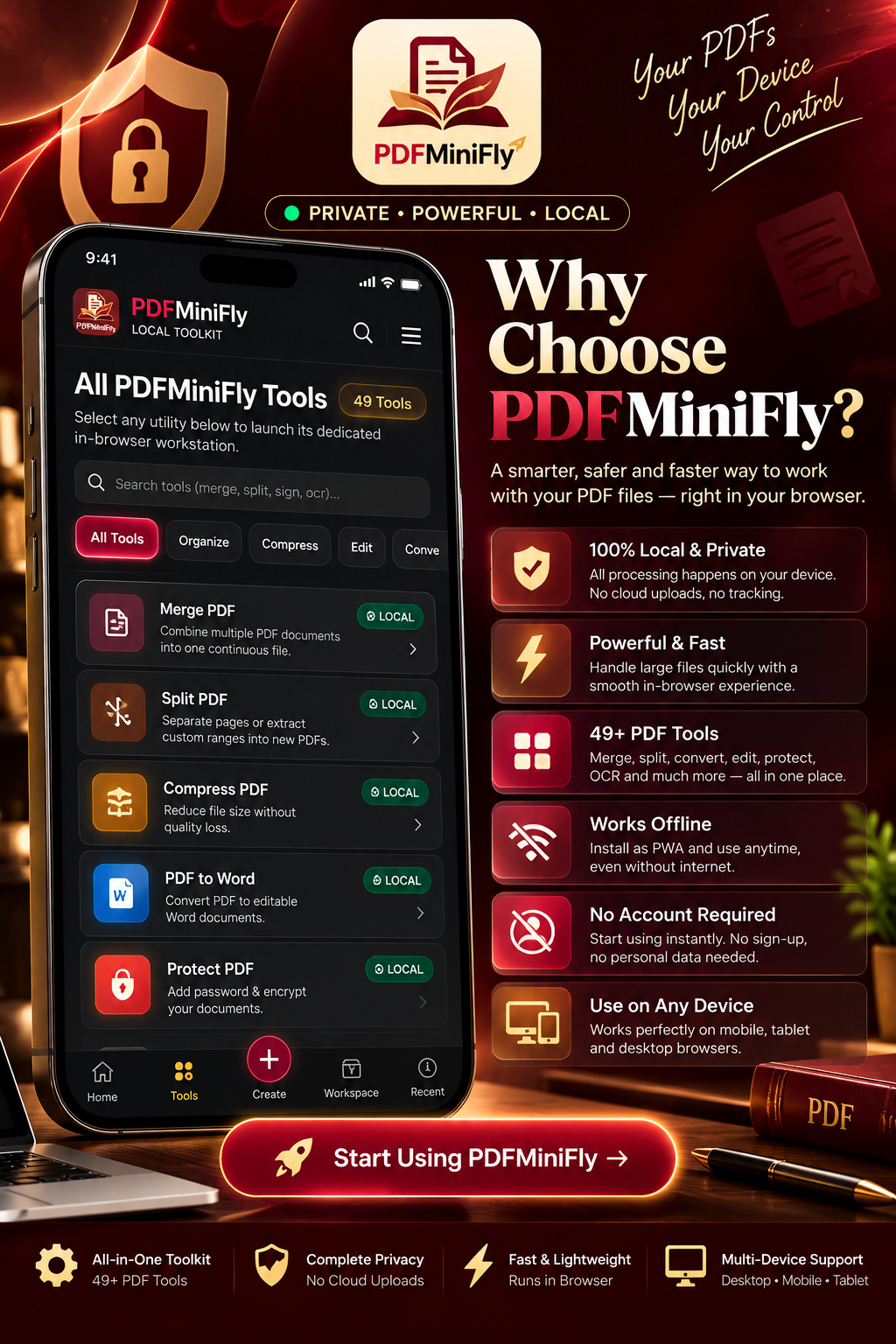
Private PDF tools designed to edit, convert, organize and protect documents directly inside the browser. No cloud uploads. No account required. All files are processed locally using your device's memory for maximum speed and complete data privacy.
Key Features
What’s New in Version 2.3.0
2026-11-12- •Initial release with full offline support and local client-side PDF tools
- •Initial release with full offline support and local client-side PDF tools
- •Added a complete local PDF workspace for editing, organizing & document management
- •Improved privacy with zero cloud uploads and no account requirement
Similar apps



Release Story
The real history of this release, told only from the verified catalog and release pipeline record.
- Listed on AppMintly
PDFMiniFly joined the marketplace by PKD.
Evidence: publishedAt, developer
- Latest release published
Version 2.3.0 (build 20300) released on Nov 12, 2026 for android (universal).
Evidence: apk.releaseDate, apk.versionName, apk.versionCode
- Catalog record updated
The marketplace record was last updated on Nov 12, 2026.
Evidence: lastUpdated
- Integrity verified in the release pipeline
Signed by AppMintly; signature schemes v1/v2/v3; SHA-256 fingerprint dbafc6d38951…1368. Checked by validator 11.6.0.
Evidence: apk.securityCheckStatus, apk.certificateSubject, apk.signatureSchemes, apk.certificateSha256Fingerprint, apk.validatorVersion
Release evidence is written by the AppMintly release pipeline only — this page never edits it.
Quick Reactions
How does PDFMiniFly feel to you? Tap a reaction — tap it again to remove it.
Reactions are saved on this device only. AppMintly has no shared reaction backend, so no global totals are shown.
App Information
- Developer
- PKDVerified Publisher
- Category
- Tools
- Latest Version
- v2.3.0
- Platform
- Web & Desktop
- Installation
- Browser Runtime
- Last Updated
- 2026-11-12
- SHA-256 Checksum
a83a31a1e6eaac966046b8cf26d7cd24a99a23d21bd191cd4b2d114bc629f8a1- Version Code
- 20300
- Privacy & Data
- No Cloud Tracking
Application Lifecycle
Updates to installed applications are delivered directly by the application itself via browser service worker cache refresh upon launch.How to install this APK on Android
- Tap Get App / Download APK — your browser downloads the file directly from the official GitHub release.
- When the download finishes, open it from the notification or your Downloads folder.
- If asked, allow installs from this source (Android: Settings → Apps → Special access → Install unknown apps).
- Confirm the install and open the app. The package is signed; you can verify it against the SHA-256 checksum listed above.
Privacy & Technology
Evidence-basedAndroid permissions
APK requests: INTERNET, ACCESS_NETWORK_STATE, DOWNLOAD_WITHOUT_NOTIFICATION
Data collection
Not verified — the app is published by its developer; AppMintly has not audited its internal data handling.
Tracking
Not verified — AppMintly has not audited the app for trackers.
Network requirement
Internet connection required
PWA support
Not verified
Storage
Not verified
Installation type
Web App + signed Android APK package
External services
GitHub Releases (APK distribution)
Verify APK integrity
Runs in your browserEvery AppMintly APK release carries a SHA-256 checksum in its release metadata. Compare the actual APK bytes against it — either by selecting the file you downloaded, or by letting this page fetch the official release and hash it. Your file is never uploaded.
- Expected SHA-256 (official release)
- a83a31a1e6eaac966046b8cf26d7cd24a99a23d21bd191cd4b2d114bc629f8a1
- Expected size
- 362,635 bytes (354.1 KB)
- Version
- v2.3.0
Not Verified
Discover more from PKD
Explore official apps crafted by the same developer.
PDFMiniFly
v2.3.0 • Tools
Compatibility & requirements
What PDFMiniFly needs before you download or install it. Requirements come from the verified release metadata and the published listing; anything not published is marked “Not specified”.
Android requirements
Read from the release manifest captured by the build pipeline. No device list is claimed.
- Minimum Android version
- Android 5.0 Lollipop (API 21)Verified release metadata
- Target Android version
- Android 16 (API 36)Verified release metadata
- CPU architecture
- Universal APK (no ABI split reported)Verified release metadata
- Package name
- com.appforge.pdfminiflyVerified release metadata
APK information
The exact published file. The checksum proves the file you get matches the release.
- Release version
- 2.3.0Verified release metadata
- Version code
- 20300Verified release metadata
- APK file
- PDFMiniFly-2.3.0.apkVerified release metadata
- Download size
- 354.1 KBVerified release metadata
- Release date
- 2026-11-12Verified release metadata
- Signature schemes
- V1, V2, V3Verified release metadata
- SHA-256 checksum
- a83a31a1e6eaac966046b8cf26d7cd24a99a23d21bd191cd4b2d114bc629f8a1Verified release metadata
Storage
Download size is exact. Anything the app stores afterwards is described by the publisher.
- Space needed for the download
- 354.1 KB (the APK file itself)Verified release metadata
- Additional storage after install
- Not specifiedNot specified
Network & internet
Taken from the published privacy and network record, not from assumptions.
- Internet requirement
- Requires an internet connectionCatalog record
- Documented network behaviour
- Not specifiedNot specified
Offline availability
What works with no connection, as documented by the publisher.
- Offline capability
- Not specifiedNot specified
- Offline status recorded in the catalog
- Marked online-onlyCatalog record
Web browser
Browser and PWA notes appear only when the catalog records them.
- Runs in a web browser
- Yes, the publisher lists a web versionCatalog record
- Installs as a browser app (PWA)
- Not verifiedCatalog record
- Verified browser coverage
- Not specifiedNot specified
Supported platforms
A platform is listed only when the catalog has real evidence for it.
- Android device
- Supported by a verified APK releaseVerified release metadata
- Web browser
- Supported, web version listedCatalog record
- iPhone / iPad
- Not specifiedNot specified
How to install
- Download the APK from this page. AppMintly links the exact file whose checksum is published above.
- Open the downloaded file. Android will ask you to allow installs from this browser or file manager the first time.
- Review the permissions Android lists, then confirm the install.
- AppMintly does not verify that the install succeeded on your device. The checksum only proves the file is unchanged.
- To use the web version, open the web link from this page. No install is needed.
Known limitations
- The APK is a universal build. No per-ABI split is published, so the exact native libraries it contains are not listed here.
- The publisher documents this app as online-only: no offline mode is listed.
- Browser installation support has not been verified for this app.
Where this information comes from
- APK release metadata produced by the AppMintly verified build and validation pipeline
- Published catalog record (platform, web and network fields)
5 fields are not published and shown as “Not specified”. AppMintly has not tested your device and makes no compatibility promise.
Release integrity
These are the release facts the AppMintly pipeline recorded for this app. They describe the published file, not your device and not whether the app is good.
- Published version
- 2.3.0
- Verification status
- Release record verified by the pipeline
- Release source
- Official AppMintly GitHub release
- File
- PDFMiniFly-2.3.0.apk · 354.1 KB
- SHA-256 checksum (published reference)
- a83a31a1e6eaac966046b8cf26d7cd24a99a23d21bd191cd4b2d114bc629f8a1
- Signature schemes
- V1, V2, V3
- Package name
- com.appforge.pdfminifly
What the checksum proves
- The file you downloaded is byte-for-byte the file AppMintly published a checksum for.
- A corrupted or swapped download does not match, and that mismatch is detectable.
- The checksum was recorded by the release pipeline, not typed by hand.
What it does not prove
- It does not prove the app is malware-free, or free of unwanted behaviour. AppMintly does not run antivirus scans on these files.
- That the app is safe, secure or risk-free.
- That the app works on your particular device.
- That the publisher is trustworthy beyond the file matching its published reference.
Verify the file yourself if you want to: compare the checksum above with sha256sum on the downloaded file. A match confirms the file is the published reference; it is not a safety rating.
Something wrong with this listing or the download? Report it privately. Reports are reviewed by the owner and are never published.
Reviews
No rating yet. Ratings appear only once approved reviews carry one.
Loading reviews…
One vote per browser. Reports are reviewed by the owner. AppMintly stores no IP addresses with reviews — only a short-lived rate-limit counter that cannot be joined to any review.