


NexDrop
PKDVerified PublisherVerified Publisher
Fast, private Android file sharing with direct local transfer and file verification.
Screenshots & Preview
Tap image to view full screen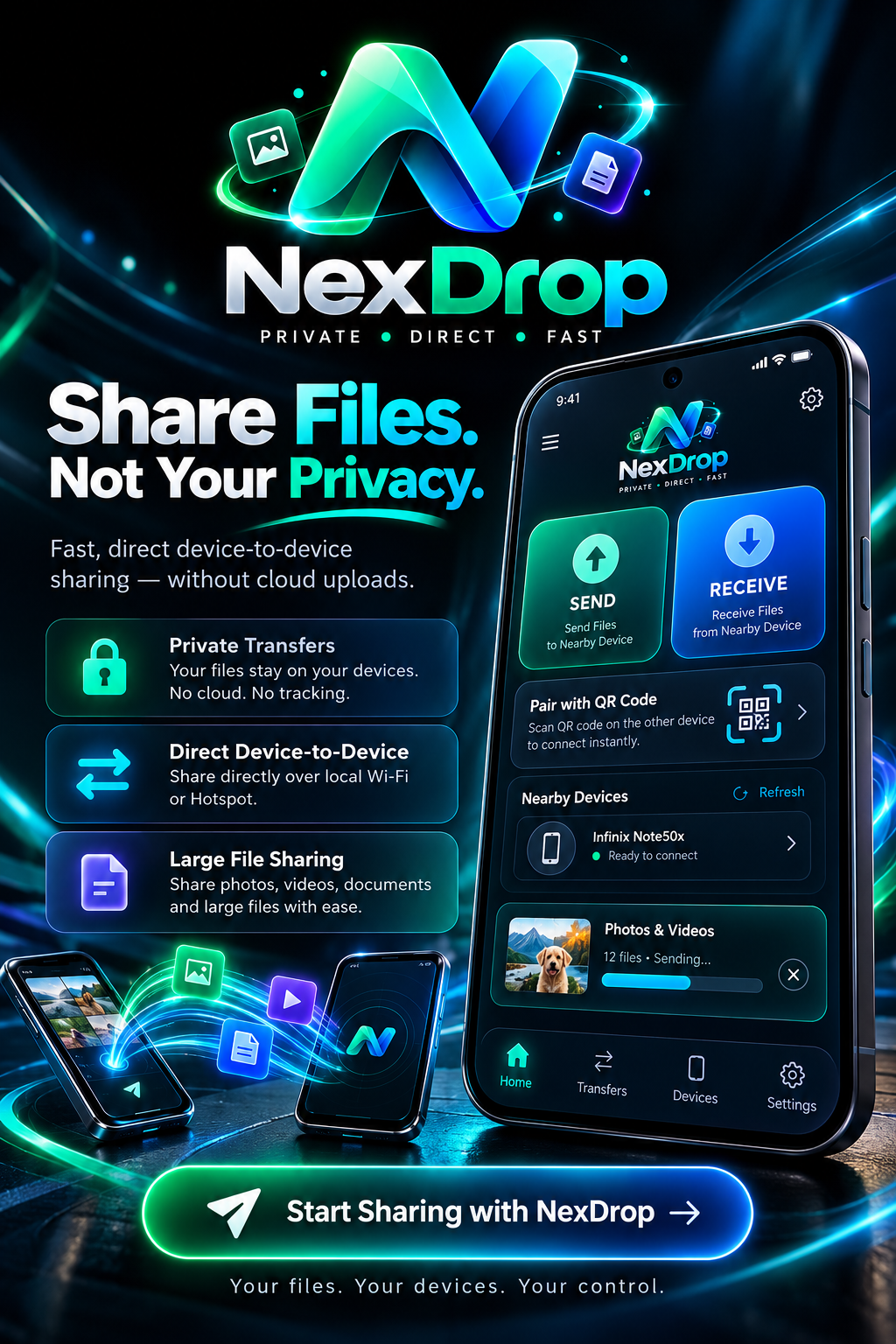
About this app
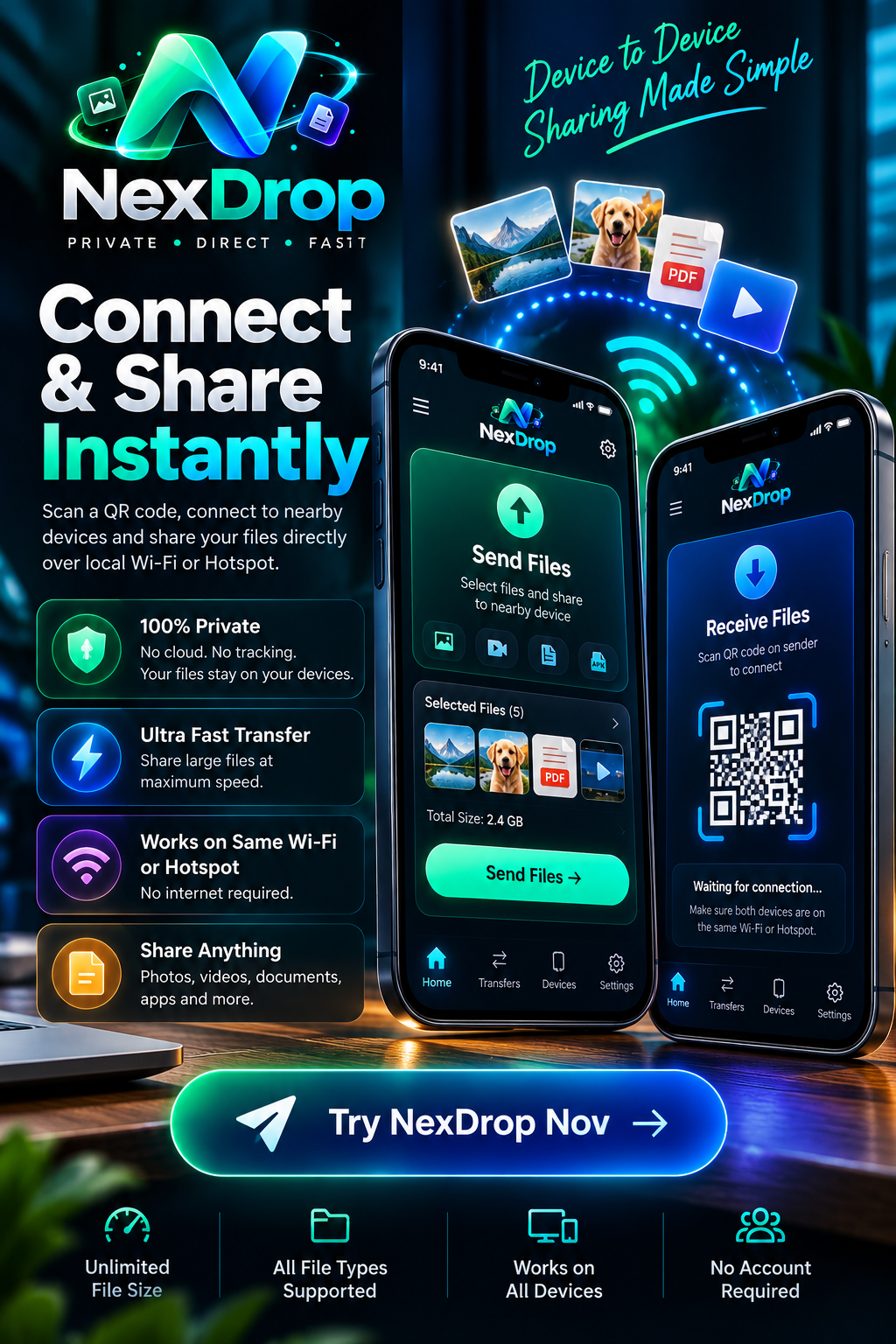
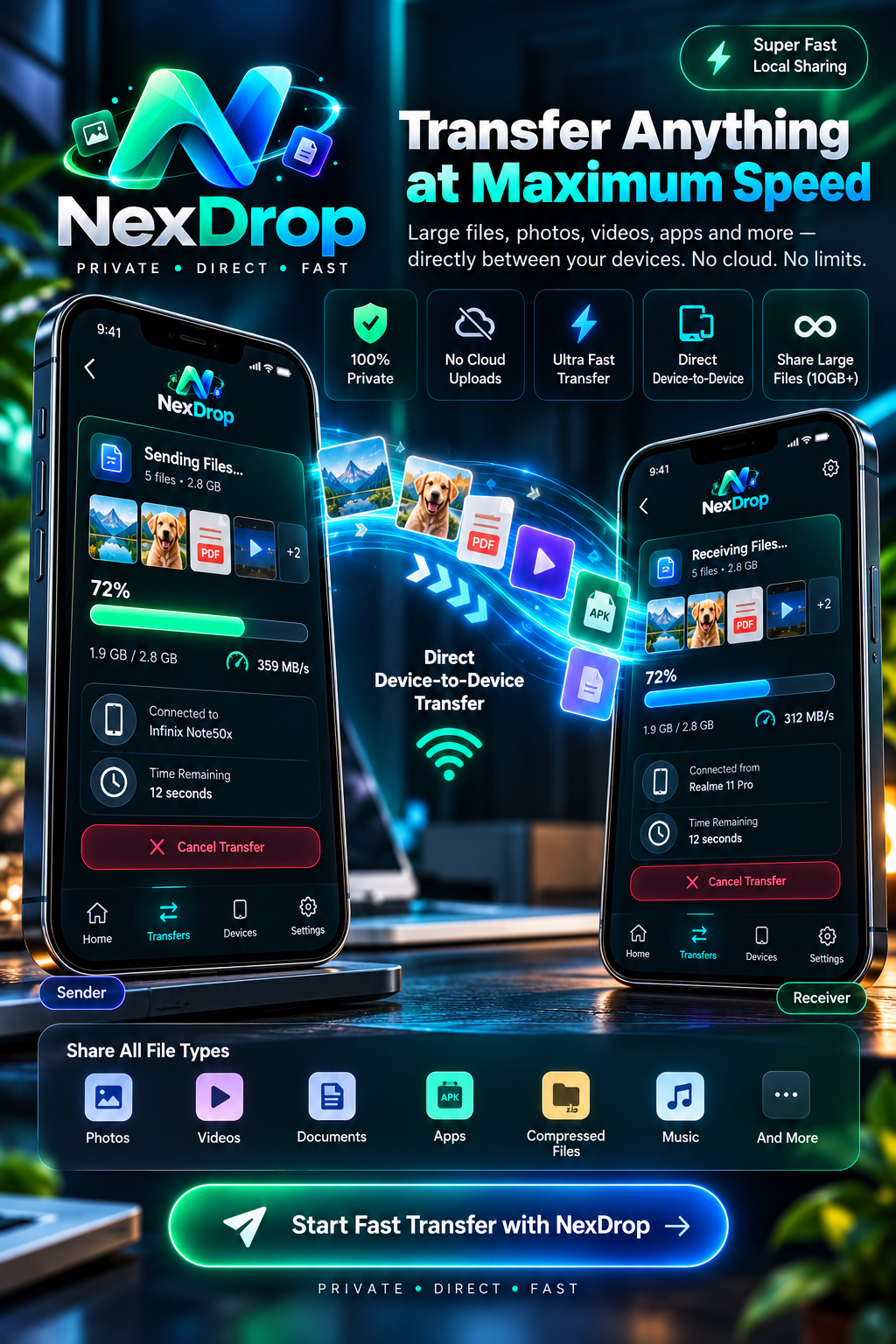
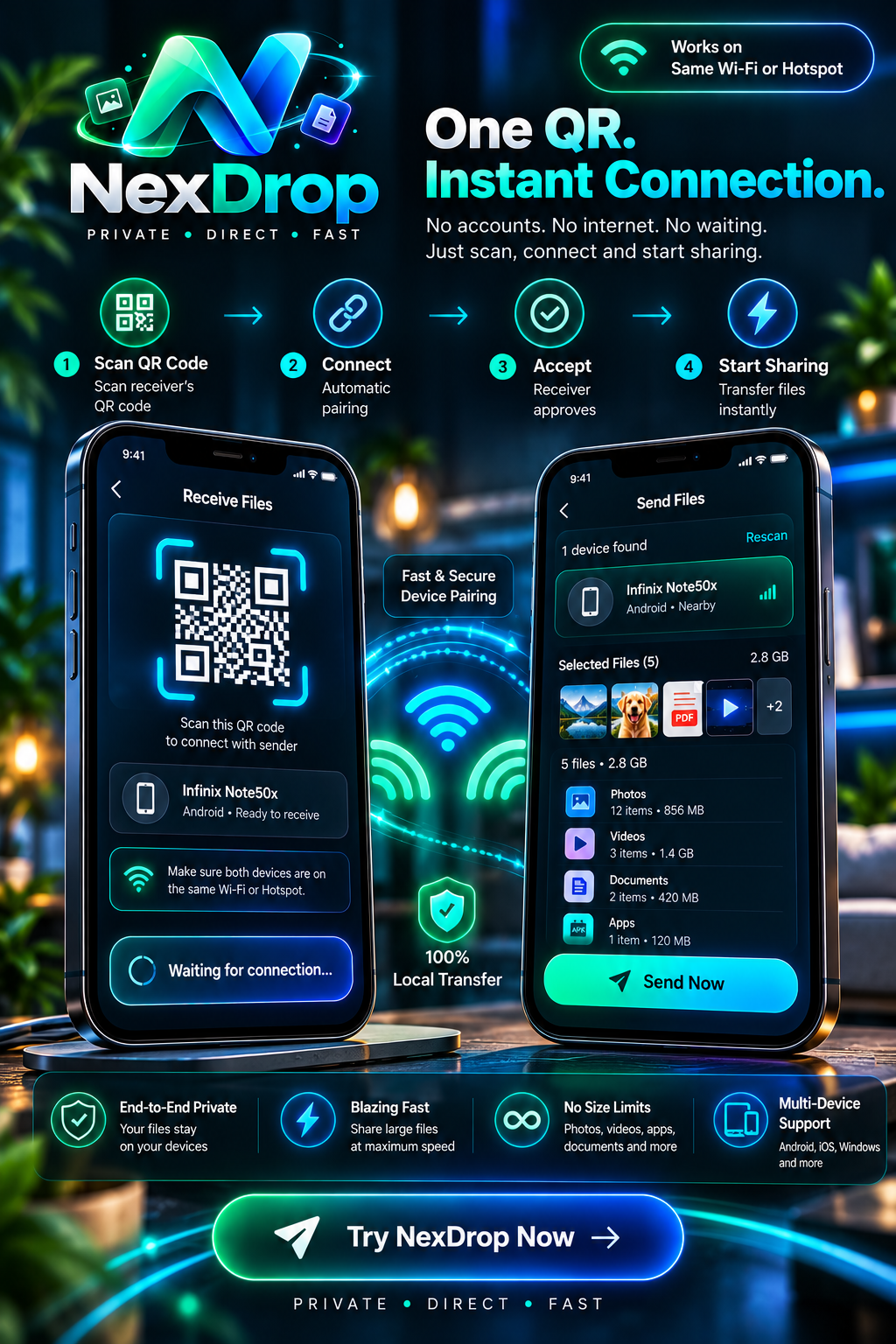
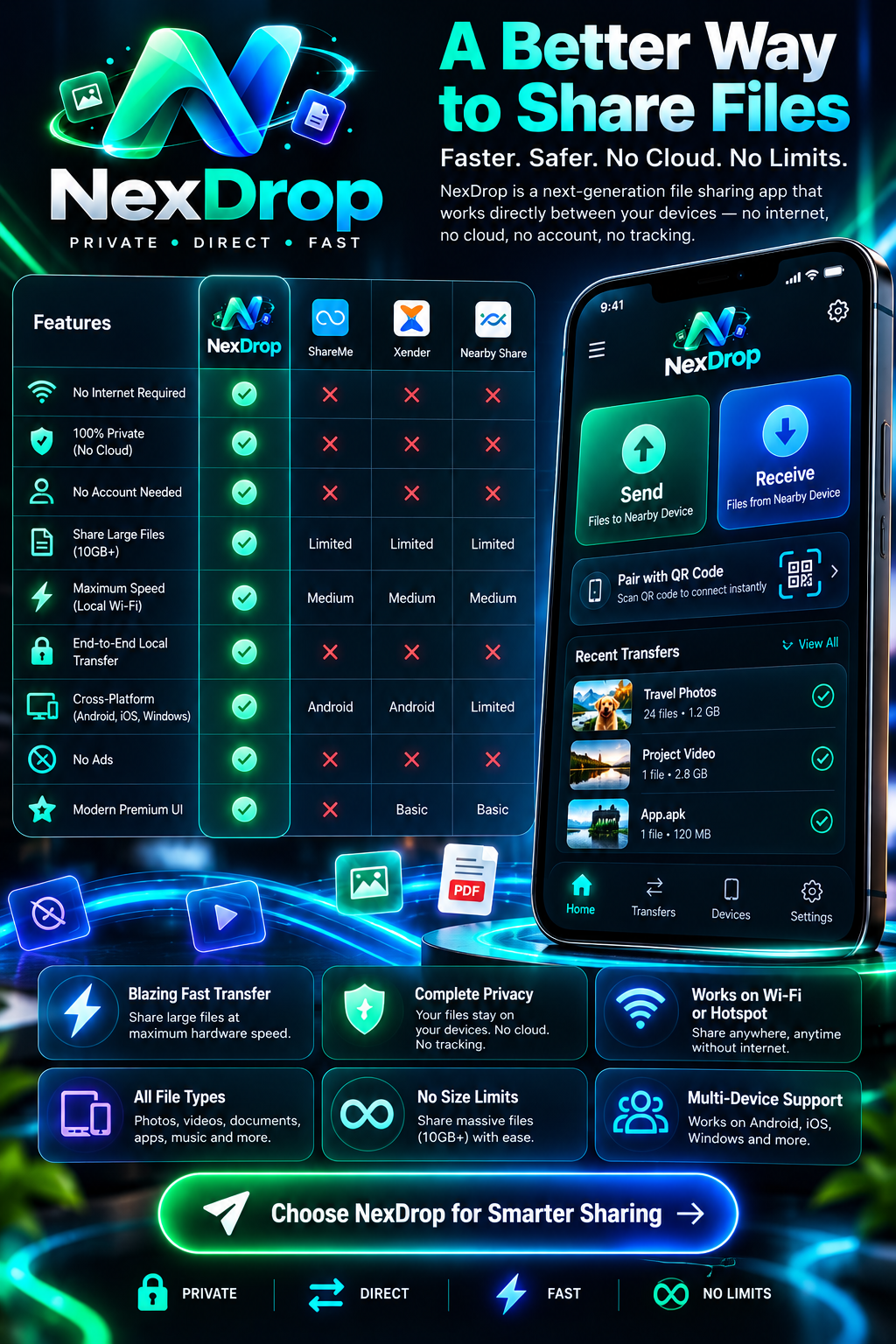
NexDrop — Private. Direct. Fast. NexDrop is a native Android file-sharing app designed to transfer files directly between compatible Android devices over a reachable local Wi-Fi or hotspot connection. Share photos, videos, documents, APKs and other supported files through a dedicated Android transfer experience built around transfer control, progress monitoring and file integrity verification. PRIVATE. DIRECT. FAST. NexDrop uses its native NDT1 TCP transfer engine for direct local device-to-device transfers. Files are transferred over the local connection rather than being uploaded to a cloud file-storage service. Designed for Practical File Sharing Whether you are sending a large video, sharing study documents, transferring an APK or moving several files together, NexDrop provides a dedicated Android workflow for managing transfers and checking their completion status. Local Connection Requirements For native local transfers, connect both Android devices to a reachable shared Wi-Fi network or a hotspot arrangement that allows them to communicate. Actual transfer speed depends on the devices, Wi-Fi band, signal quality, file sizes and network conditions. NexDrop does not promise a fixed transfer speed for every device or network. Privacy-Focused by Design NexDrop is designed for direct local transfers rather than cloud file-storage uploads. Review Android permissions and the receiving device's transfer request before sharing files.
Key Features
What’s New in Version 1.4.7
2026-11-11- •Fixed Open: received files now open directly from the Transfer Complete screen and from transfer History with the correct app for each file type.
- •Fixed Save: the Save action opens Android's system folder picker and saves any received file as a verified size-complete copy.
- •Fixed Install: received APK files open Android's package installer with the proper permission flow, so apps can be installed directly.
- •Added Share: share any received file straight to other apps from both the receive screen and transfer History.
- •Per-file actions in transfer History: every record offers Open, Save, Share and Install for its own file.
- •Multi-file receive sessions: each received file gets its own individual Open, Save, Share and Install actions.
- •Duplicate filename protection: saving a file with an existing name adds a numbered suffix instead of overwriting the first file.
Similar apps



Release Story
The real history of this release, told only from the verified catalog and release pipeline record.
- Listed on AppMintly
NexDrop joined the marketplace by PKD.
Evidence: publishedAt, developer
- Integrity verified in the release pipeline
Signed by AppMintly; signature schemes v1/v2/v3; SHA-256 fingerprint 11cb2ab82ba7…861a. Checked by validator 11.6.0.
Evidence: apk.securityCheckStatus, apk.certificateSubject, apk.signatureSchemes, apk.certificateSha256Fingerprint, apk.validatorVersion
- Latest release published
Version 1.4.7 (build 20) released on Nov 11, 2026 for android (universal).
Evidence: apk.releaseDate, apk.versionName, apk.versionCode
- Catalog record updated
The marketplace record was last updated on Nov 11, 2026.
Evidence: lastUpdated
Release evidence is written by the AppMintly release pipeline only — this page never edits it.
Quick Reactions
How does NexDrop feel to you? Tap a reaction — tap it again to remove it.
Reactions are saved on this device only. AppMintly has no shared reaction backend, so no global totals are shown.
App Information
- Developer
- PKDVerified Publisher
- Category
- Utilities
- Latest Version
- v1.4.7
- Platform
- Android Device
- Installation
- Android Package (.apk)
- Last Updated
- 2026-11-11
- SHA-256 Checksum
a66d0d933d04fbf145d446b2bcf389ad52eca78cce097d7f3a2d5a0f16cc61ac- Version Code
- 20
- Privacy & Data
- No Cloud Tracking
Application Lifecycle
Updates to installed applications are delivered directly by the application itself via browser service worker cache refresh upon launch.How to install this APK on Android
- Tap Get App / Download APK — your browser downloads the file directly from the official GitHub release.
- When the download finishes, open it from the notification or your Downloads folder.
- If asked, allow installs from this source (Android: Settings → Apps → Special access → Install unknown apps).
- Confirm the install and open the app. The package is signed; you can verify it against the SHA-256 checksum listed above.
Privacy & Technology
Evidence-basedAndroid permissions
APK requests: INTERNET, ACCESS_NETWORK_STATE, ACCESS_WIFI_STATE, CHANGE_WIFI_MULTICAST_STATE, CAMERA, ACCESS_COARSE_LOCATION, ACCESS_FINE_LOCATION, POST_NOTIFICATIONS, FOREGROUND_SERVICE, FOREGROUND_SERVICE_DATA_SYNC, com.nexdrop.ndt1.DYNAMIC_RECEIVER_NOT_EXPORTED_PERMISSION
Data collection
Files and text are transferred directly between paired devices and are not uploaded to cloud file storage. Transfer history is stored locally on the device and is never uploaded.
Tracking
Not verified — AppMintly has not audited the app for trackers.
Network requirement
Native device-to-device transfers run over local Wi-Fi without internet; the web app keeps an offline shell, with transfers needing a connection or the manual QR fallback.
PWA support
Installable — verified web app manifest & service worker
Storage
Transfer history is stored locally on the device in a private file bounded to the last 100 records.
Installation type
Native Android app + installable web app (PWA)
External services
GitHub Releases (APK distribution)
Verify APK integrity
Runs in your browserEvery AppMintly APK release carries a SHA-256 checksum in its release metadata. Compare the actual APK bytes against it — either by selecting the file you downloaded, or by letting this page fetch the official release and hash it. Your file is never uploaded.
- Expected SHA-256 (official release)
- a66d0d933d04fbf145d446b2bcf389ad52eca78cce097d7f3a2d5a0f16cc61ac
- Expected size
- 3,562,408 bytes (3.40 MB)
- Version
- v1.4.7
Not Verified
Discover more from PKD
Explore official apps crafted by the same developer.
NexDrop
v1.4.7 • Utilities
Compatibility & requirements
What NexDrop needs before you download or install it. Requirements come from the verified release metadata and the published listing; anything not published is marked “Not specified”.
Android requirements
Read from the release manifest captured by the build pipeline. No device list is claimed.
- Minimum Android version
- Android 8.0 Oreo (API 26)Verified release metadata
- Target Android version
- Android 16 (API 36)Verified release metadata
- CPU architecture
- Universal APK (no ABI split reported)Verified release metadata
- Package name
- com.nexdrop.ndt1Verified release metadata
APK information
The exact published file. The checksum proves the file you get matches the release.
- Release version
- 1.4.7Verified release metadata
- Version code
- 20Verified release metadata
- APK file
- NexDrop-release.apkVerified release metadata
- Download size
- 3.40 MBVerified release metadata
- Release date
- 2026-11-11Verified release metadata
- Signature schemes
- 0, 1Verified release metadata
- SHA-256 checksum
- a66d0d933d04fbf145d446b2bcf389ad52eca78cce097d7f3a2d5a0f16cc61acVerified release metadata
Storage
Download size is exact. Anything the app stores afterwards is described by the publisher.
- Space needed for the download
- 3.40 MB (the APK file itself)Verified release metadata
- Additional storage after install
- Transfer history is stored locally on the device in a private file bounded to the last 100 records.Publisher supplied
Network & internet
Taken from the published privacy and network record, not from assumptions.
- Internet requirement
- Works without a connection after first setupCatalog record
- Documented network behaviour
- The native Android engine transfers over local Wi-Fi with HMAC-SHA256-authenticated pairing sessions; the separate NexDrop web app adds encrypted (DTLS + AES-256-GCM) WebRTC transfers. Neither path uploads file contents…Publisher supplied
Offline availability
What works with no connection, as documented by the publisher.
- Offline capability
- Native device-to-device transfers run over local Wi-Fi without internet; the web app keeps an offline shell, with transfers needing a connection or the manual QR fallback.Publisher supplied
- Offline status recorded in the catalog
- Marked offline-capableCatalog record
Web browser
Browser and PWA notes appear only when the catalog records them.
- Runs in a web browser
- Yes, the publisher lists a web versionCatalog record
- Installs as a browser app (PWA)
- Verified installableCatalog record
- Verified browser coverage
- Not specifiedNot specified
Supported platforms
A platform is listed only when the catalog has real evidence for it.
- Android device
- Supported by a verified APK releaseVerified release metadata
- Web browser
- Supported, web version listedCatalog record
- iPhone / iPad
- Not specifiedNot specified
How to install
- Download the APK from this page. AppMintly links the exact file whose checksum is published above.
- Open the downloaded file. Android will ask you to allow installs from this browser or file manager the first time.
- Review the permissions Android lists, then confirm the install.
- AppMintly does not verify that the install succeeded on your device. The checksum only proves the file is unchanged.
- To use the web version, open the web link from this page. No install is needed.
Known limitations
- The APK is a universal build. No per-ABI split is published, so the exact native libraries it contains are not listed here.
Where this information comes from
- APK release metadata produced by the AppMintly verified build and validation pipeline
- Published catalog record (platform, web and network fields)
- Notes supplied by the publisher and stored with the listing
2 fields are not published and shown as “Not specified”. AppMintly has not tested your device and makes no compatibility promise.
Release integrity
These are the release facts the AppMintly pipeline recorded for this app. They describe the published file, not your device and not whether the app is good.
- Published version
- 1.4.7
- Verification status
- Release record verified by the pipeline
- Release source
- Publisher-supplied release asset
- File
- NexDrop-release.apk · 3.40 MB
- SHA-256 checksum (published reference)
- a66d0d933d04fbf145d446b2bcf389ad52eca78cce097d7f3a2d5a0f16cc61ac
- Signature schemes
- 0, 1
- Package name
- com.nexdrop.ndt1
What the checksum proves
- The file you downloaded is byte-for-byte the file AppMintly published a checksum for.
- A corrupted or swapped download does not match, and that mismatch is detectable.
- The checksum was recorded by the release pipeline, not typed by hand.
What it does not prove
- It does not prove the app is malware-free, or free of unwanted behaviour. AppMintly does not run antivirus scans on these files.
- That the app is safe, secure or risk-free.
- That the app works on your particular device.
- That the publisher is trustworthy beyond the file matching its published reference.
Verify the file yourself if you want to: compare the checksum above with sha256sum on the downloaded file. A match confirms the file is the published reference; it is not a safety rating.
Something wrong with this listing or the download? Report it privately. Reports are reviewed by the owner and are never published.
Reviews
No rating yet. Ratings appear only once approved reviews carry one.
Loading reviews…
One vote per browser. Reports are reviewed by the owner. AppMintly stores no IP addresses with reviews — only a short-lived rate-limit counter that cannot be joined to any review.